Email and notifications
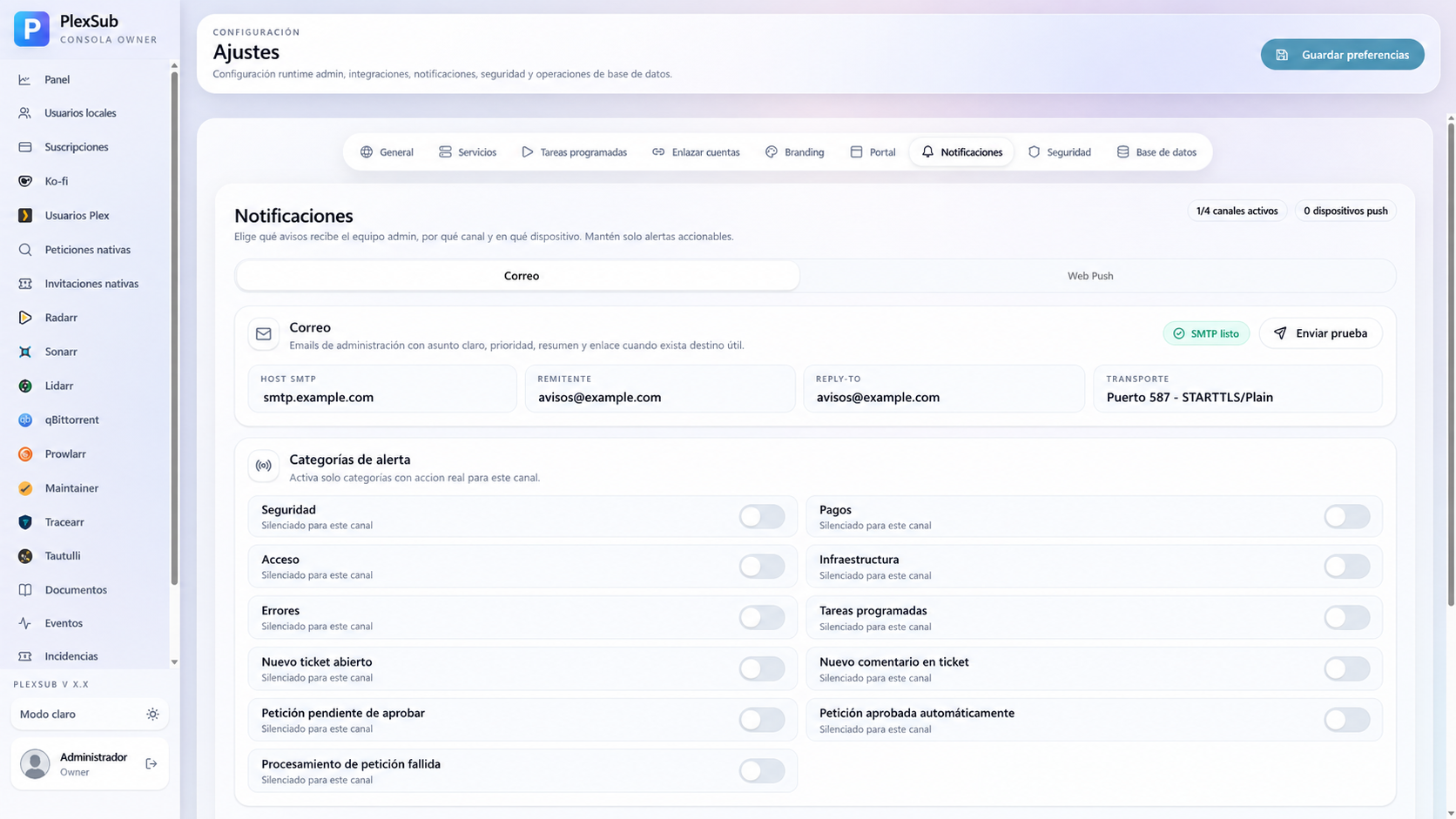
Notifications are optional. Set them up when you want to send invitations, account notices, or operational alerts without doing it manually.
Start with SMTP
SMTP is the recommended email option. You need the details for a mailbox or email provider:
- SMTP server.
- Port.
- Security type.
- Username and password, or an app password.
- Sender address and, when applicable, reply-to address.
In Settings > Services, enter the details, save, and send a test email. Check the spam folder as well.
If email does not arrive
- Check server, port, and security against your provider's details.
- If the account uses two-factor authentication, create an app password.
- Check the sender: many providers reject a
Fromaddress that does not belong to the account. - For your own domain, configure SPF, DKIM, and DMARC.
- Review PlexSub logs without copying passwords or tokens.
Alternative notifications
PlexSub can connect to Discord, Telegram, Apprise, and Notifiarr depending on your setup. Use them for operational alerts, not for private member information.
For each provider:
- Create the webhook, bot, or destination in the external service.
- Add it in Settings > Services.
- Send a test.
- Confirm who can read the channel before enabling real alerts.
Security rules
- Never share webhook URLs, bot tokens, or SMTP passwords.
- Use a dedicated mailbox and bot account for PlexSub when possible.
- Disable providers you do not use.
- Review recipients before enabling request, payment, or support notifications.