Review the customer portal
The customer portal is what members see. Review it with a test account before giving real people access.
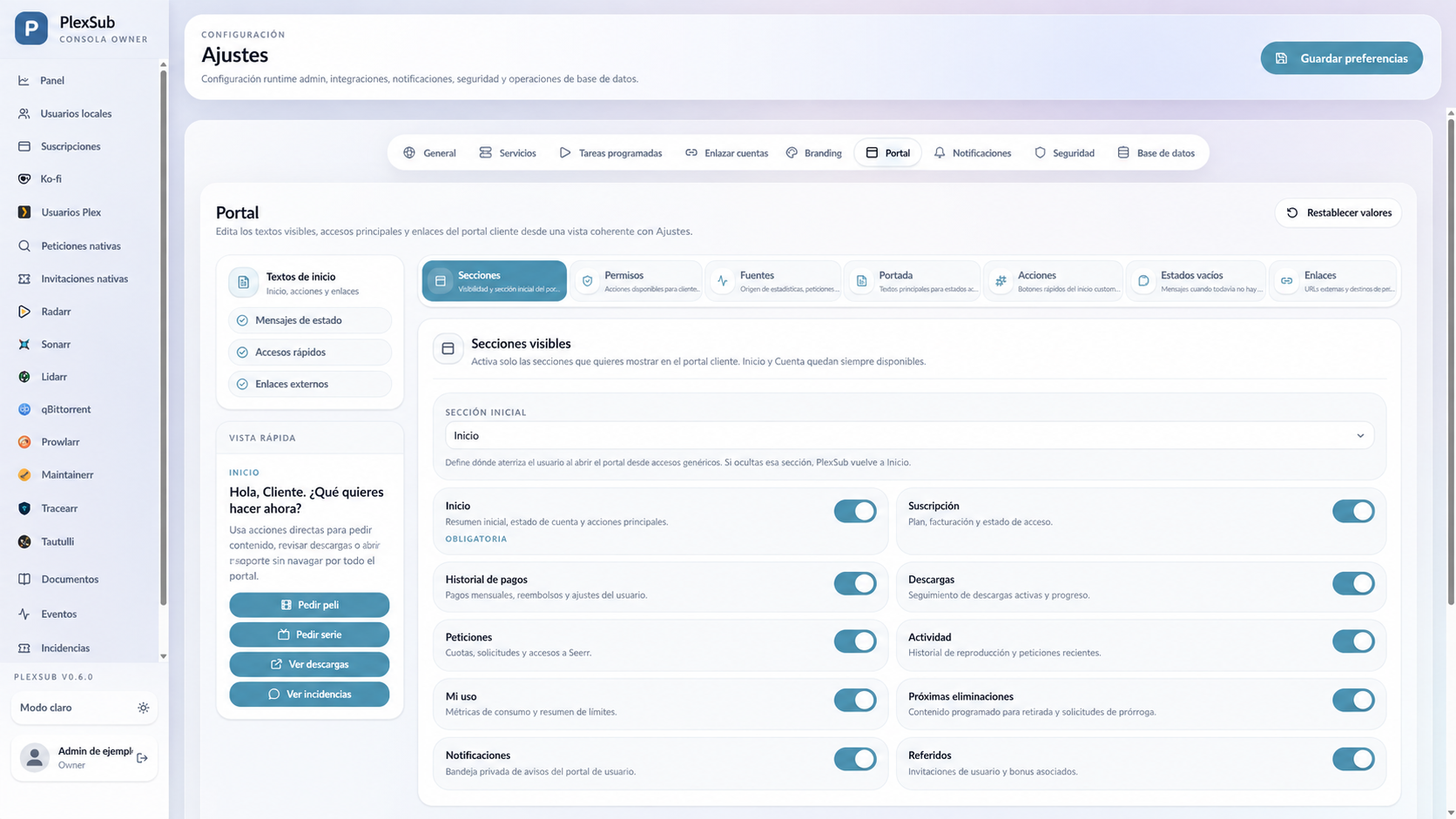
What to check
Sign in with a non-admin account and review:
- Home page and access status.
- Requests and downloads, when enabled.
- Messages, notices, and support.
- Appearance on phone and computer.
- Help and contact links.
Keep only what is useful
A simple portal is easier to understand. Hide or disable sections that depend on unconfigured services. Do not show internal data, other users' email addresses, keys, technical logs, or moderation information.
Exit test
Before opening it to your community:
- Accept a test invitation.
- Sign in and out.
- Check a request or download.
- Send a test support message.
- Review the portal on a phone.
If something is unclear to the test account, simplify the wording or disable the section until it is properly configured.